Lesson length grows with the grade
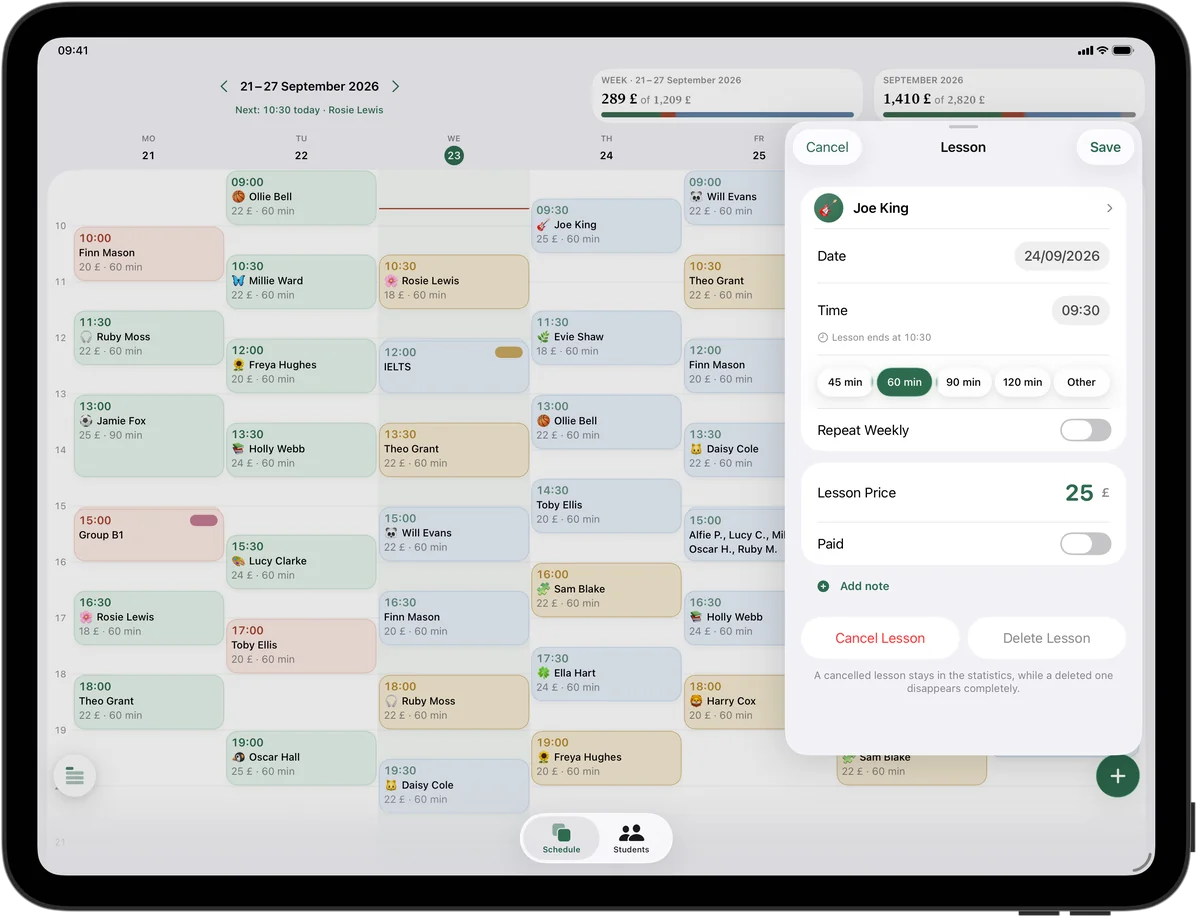
Beginners rarely manage more than 30 minutes; by Grade 5 most pupils need 45, and from Grade 6 an hour. In Squool, ‘Other’ gives you the 30-minute lesson, and presets cover 45 and 60. When a pupil moves up at the start of term, change the length in the lesson form with ‘This & Future’ – every following lesson takes the new length and price, while earlier lessons stay as they were.
Before an exam session
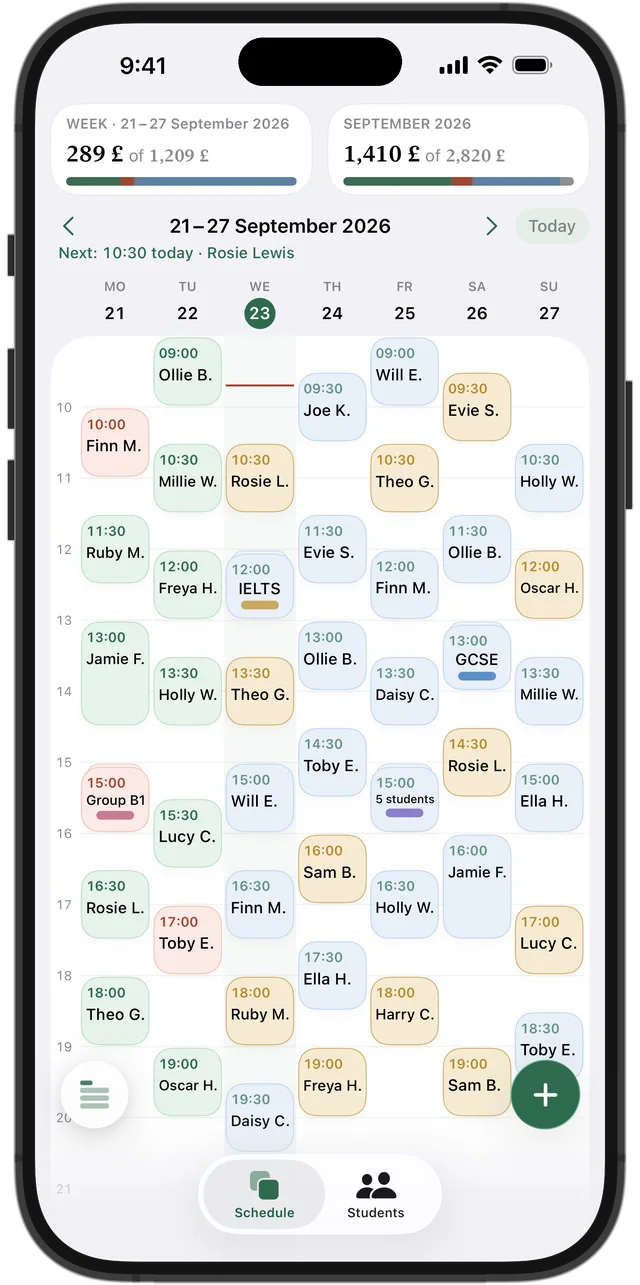
ABRSM and Trinity practical exams come in sessions through the year, and the week before a pupil's exam usually needs an extra lesson for scales, sight-reading and aural. Tap a free slot in the grid and add a one-off lesson; after the exam, the pupil carries on with their weekly lessons as before. If the extra lesson was paid in cash at the door, mark it as paid.
Try it free for 14 days · No card required. Subscribe only once the app has proven it's worth it to you.
Download on the App Store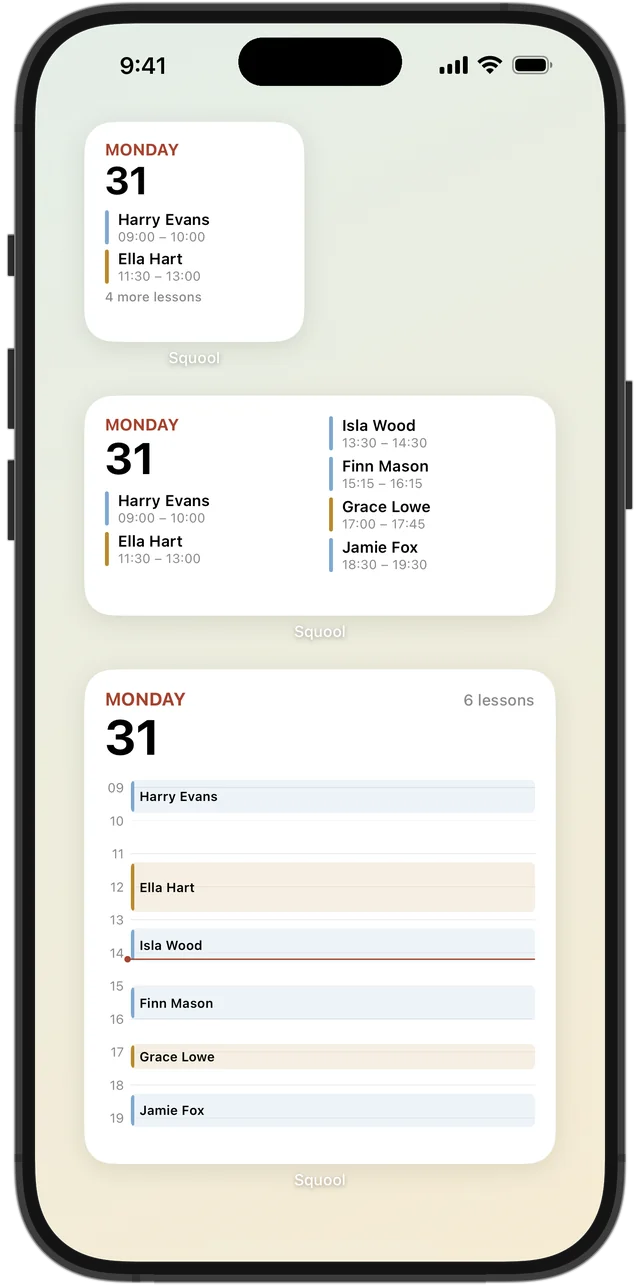
Teaching in pupils' homes
If you travel from house to house, the note on each card can hold the address, the parking advice and which piano is out of tune. Home Screen widgets show your next lessons without opening the app, and Apple Watch tells you who's next while you're still packing up the music.
Showing parents the term
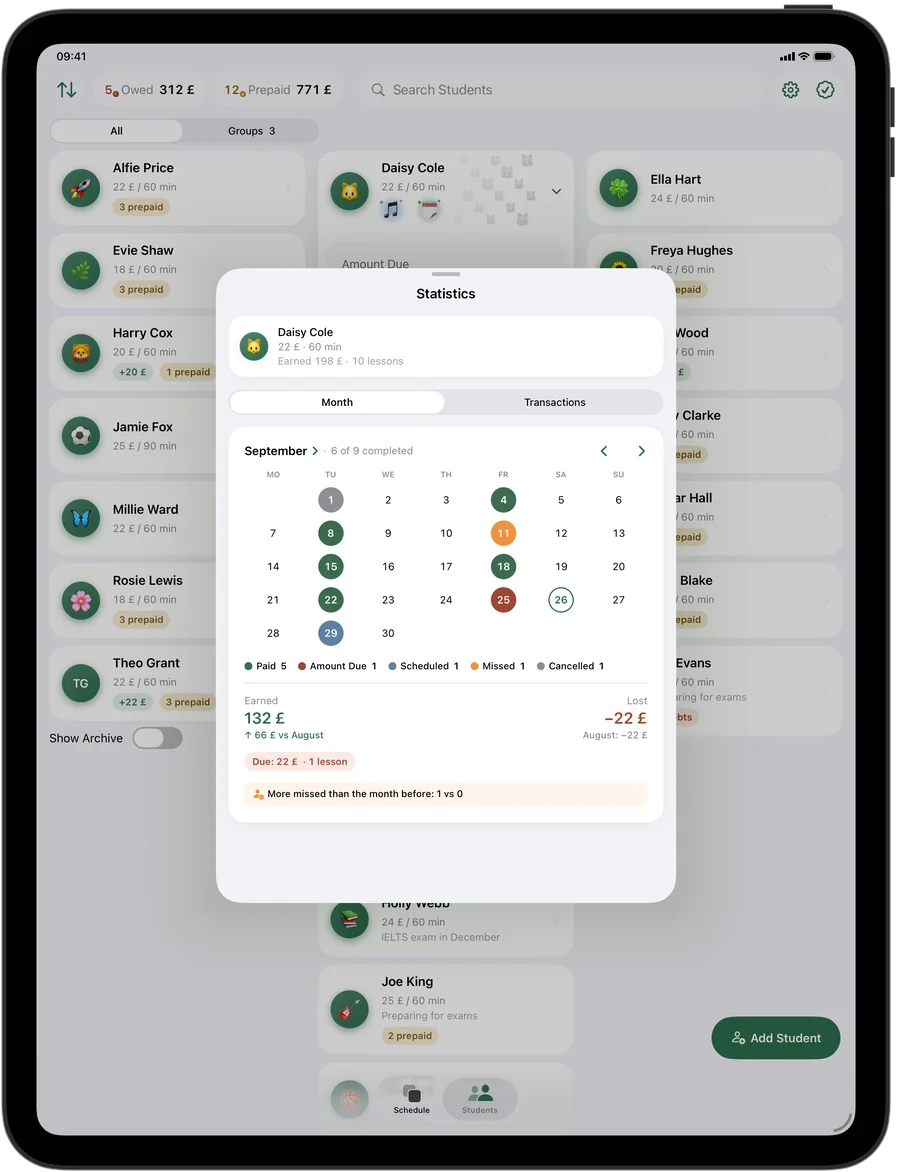
Parents paying a termly fee want to know their child came every week. A pupil's statistics show a month calendar with each lesson, how many there were, what's paid and what's due, compared with the previous month. Termly fees go onto the balance with ‘Add Funds’ and pay for lessons one by one; anything left over carries into the next term.
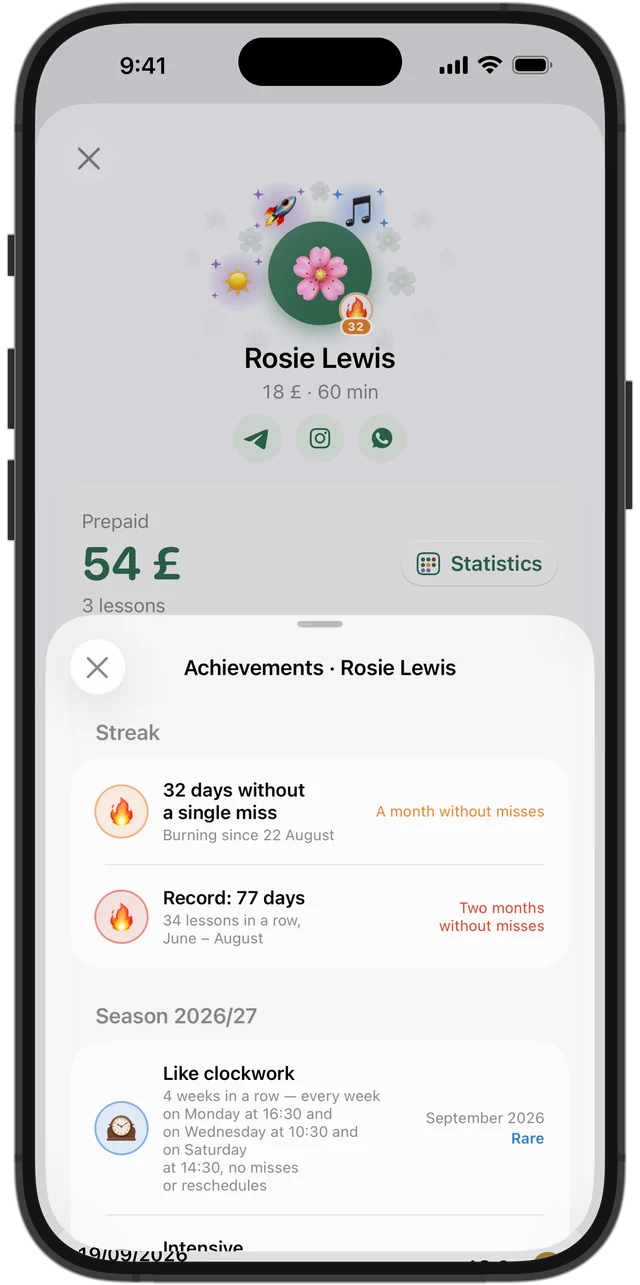
Regular practice deserves praise
Squool gives pupils achievements without you doing anything: ‘Like clockwork’ for a fixed day and time, ‘Every week’ when they haven't missed a week, ‘Even in summer’ for those who keep going through August, and a 🔥 streak next to the avatar. Rarer achievements are marked rare, epic or legendary – a small, specific thing to mention at the end of a lesson.
Private, on every device, free to try
Squool runs on iPhone, iPad and Mac and syncs through your own iCloud; your pupils' details never reach the developer. It's made for one teacher working alone – not a music school with several staff. Full access is free for 14 days, no card needed.
Questions and answers
What's the best app for a private piano teacher to organise pupils?
If you teach on your own with an iPhone, iPad or Mac, Squool covers the weekly timetable, lesson lengths, termly fees, missed lessons and income. It's free for 14 days.
Can I set up 30-minute piano lessons?
Yes. Choose ‘Other’ for the lesson length and enter 30 minutes; it carries through the weekly series.
Can a pupil move from 30 to 45 minutes from next term?
Yes. Change the length in the lesson form and choose ‘This & Future’; past lessons stay unchanged.
Does Squool track practice time or pieces?
No. It tracks lessons and payments; you can write pieces and exam dates in the pupil's note.
Can I see tomorrow's pupils without opening the app?
Yes. Home Screen widgets show your upcoming lessons, and Apple Watch shows what's now and next.
Read also
Music teachers
Piano, guitar, violin and singing teachers: weekly lessons, termly or monthly fees from parents, ABRSM exam terms and missed lessons on iPhone, iPad and Mac.
Weekly lessons
How to plan a weekly tutoring timetable: students twice a week at different times, moving one lesson, changing time or price from next term, ending a series.
Singing teachers
For singing teachers and vocal coaches: duets with a price per singer, drama school audition prep, colds and vocal rest, grade exams – on iPhone, iPad and Mac.
Try it free for 14 days
No card required. Subscribe only once the app has proven it's worth it to you.
Download on the App Store