When a diary or spreadsheet is enough
If you teach a handful of students who each pay after every lesson, a diary or a simple sheet does the job. You write the date, the student and whether they paid, and you check it once a week.
A spreadsheet is also a good choice if you enjoy building your own formulas, need figures laid out for your self-assessment return or your accountant, or share the file with someone else. An app won't replace that flexibility.
The columns a tutoring spreadsheet needs
Use two tabs: one for lessons and one for payments. Keep one row per lesson and one row per payment, never one row per student – that's what lets the sheet calculate balances.
Each student's balance is the sum of their payments minus the sum of their lesson prices, which you can get with a SUMIF on each tab. A positive result means prepaid, a negative one means the student owes you.
- Lessons: date, time, student, duration, price, status (taught / missed / cancelled)
- Payments: date, student, amount, note
- Students: name, price per lesson, contact, balance (calculated)
- Summary: earned this month, still due, cancelled
Try it free for 14 days · No card required. Subscribe only once the app has proven it's worth it to you.
Download on the App StoreWhere spreadsheets start to creak
The trouble is rarely the formulas. It's the daily typing: every weekly lesson has to be entered again, every reschedule edited in two places, and a sheet is fiddly to open on a phone between lessons. One missed row and the balance is quietly wrong.
Problems usually show up once you have more than ten or fifteen regular students, prepaid blocks, termly fees, group lessons or students paying in euros.
- Recurring lessons have to be copied by hand
- A moved or cancelled lesson must be fixed in the timetable and in the payments
- No reminder before a lesson, no glance at today's timetable
- It's easy to break a formula or sort only one column
What a tutor app does differently
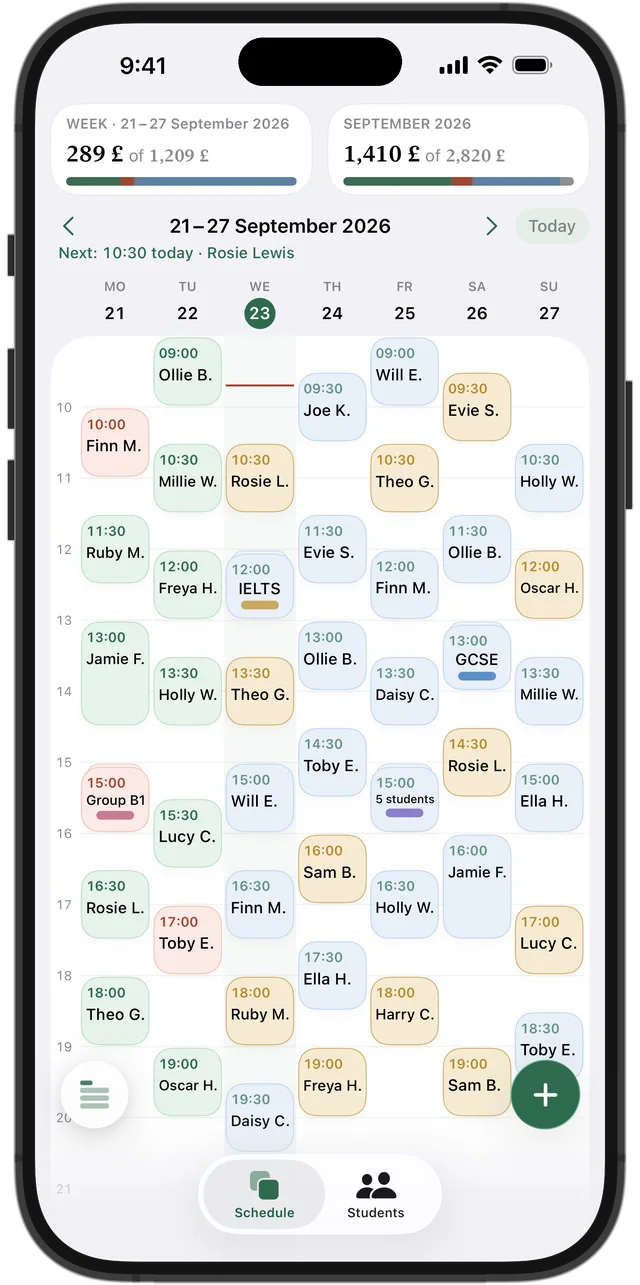
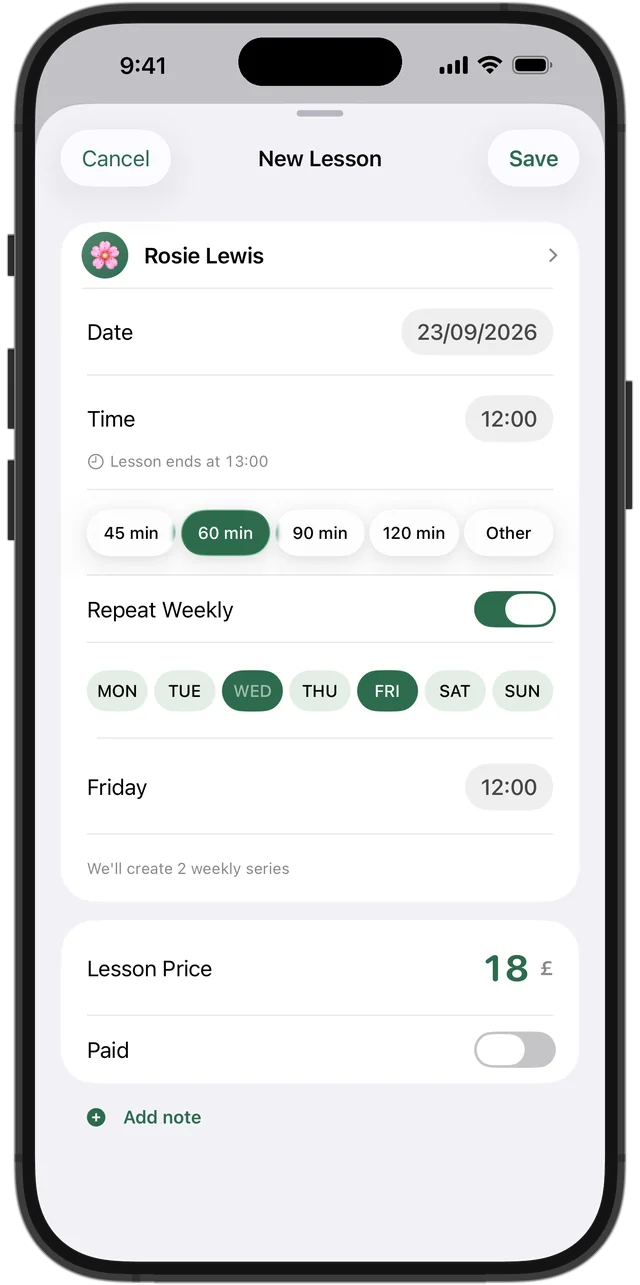
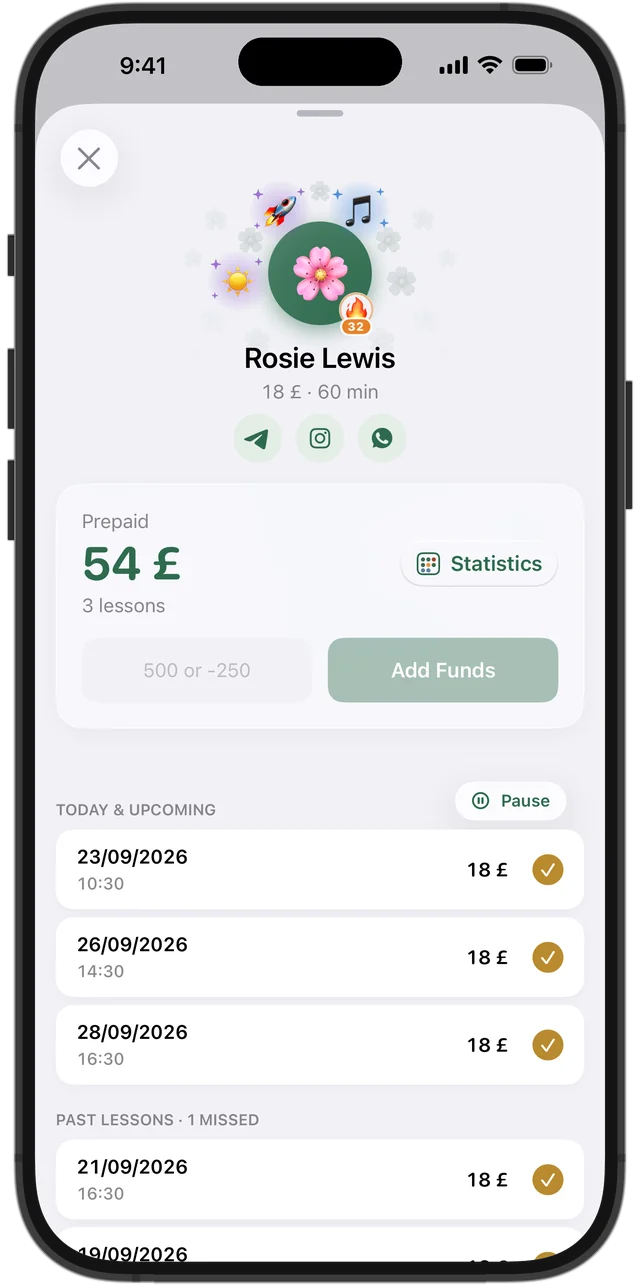
In Squool you create a weekly lesson once and it appears every week by itself. When a student pays, you add the amount to their balance and lessons are paid automatically, oldest first. The week grid shows payment state by colour, so you see debts without opening anything.
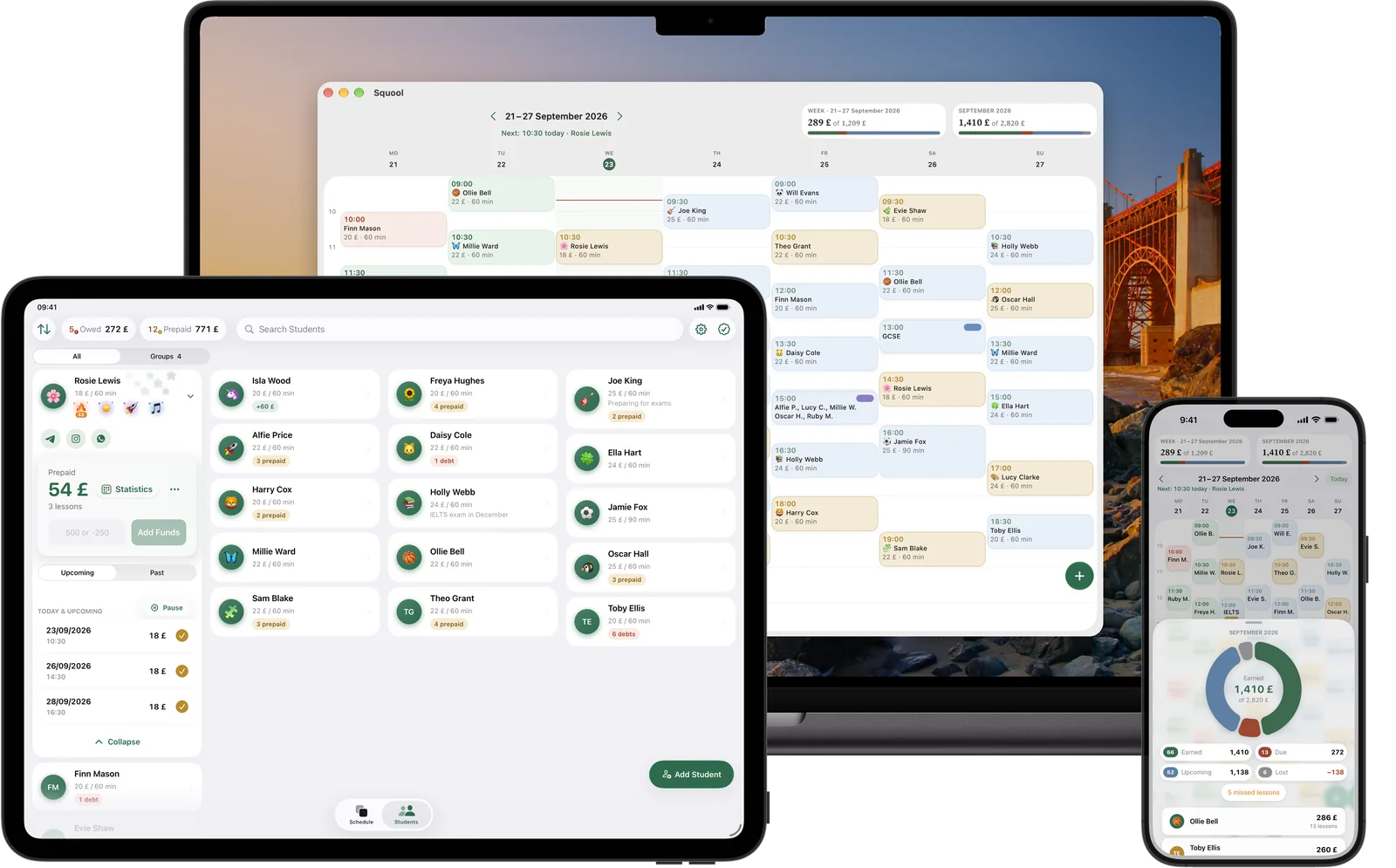
Earnings for the week and the month are counted for you: earned, due, upcoming and lost. You get a notification before every lesson, and the same timetable is on your iPhone, iPad and Mac.
An honest list of what an app doesn't do
Squool is for one teacher working alone. It doesn't send invoices, take payments online, let students book themselves, produce tax figures or manage a tuition centre with several tutors. If you need custom accounting reports, keep a spreadsheet for that part.
You also can't import a spreadsheet into Squool. You add students by name and price, enter their current balance as a payment, and turn on weekly repeats. If your lessons are already in Google Calendar or Apple Calendar, Squool can bring students and recurring lessons across from there.
Try them side by side
The fairest test is to run both for two weeks. Squool gives 14 days of full access free, no card required, on iPhone, iPad and Mac. Your data stays on your device and in your own iCloud – the developer can't see it – and you can back everything up to a file at any time.
Questions and answers
Is there a Google Sheets template for tutoring?
You can build one in minutes: a Lessons tab (date, student, price, status), a Payments tab (date, student, amount) and a SUMIF balance per student. That's enough for a few students who pay per lesson.
Excel or an app – what's better for a private tutor?
A spreadsheet is fine for a few students and custom reports. An app saves time once you have weekly lessons, prepaid blocks and want to check your timetable on your phone.
Can I import my spreadsheet into Squool?
No. You add students by hand and enter each current balance as a payment. Students and recurring lessons can be imported from Google Calendar or Apple Calendar.
Is a paper diary enough for tutoring?
Yes, for a small number of students who pay after each lesson. It gets hard with prepayments, rescheduling and monthly totals.
Does Squool work offline?
Yes. Data is stored on the device and syncs through your iCloud when you're back online.
Read also
Tracking payments
A simple way for UK tutors to track payments: one balance per student, prepaid blocks and termly fees, who owes you and how much. Paper, Excel or an app.
Weekly lessons
How to plan a weekly tutoring timetable: students twice a week at different times, moving one lesson, changing time or price from next term, ending a series.
Calendar import & sync
How tutors can move students and weekly lessons from Google or Apple Calendar into a lesson app, and sync the timetable back with colour-coded payments.
Tutoring income
How a UK private tutor can see real monthly income: what's earned, what's still due, what's planned and what cancellations cost. A simple method and an app.
Try it free for 14 days
No card required. Subscribe only once the app has proven it's worth it to you.
Download on the App Store